 Davide Depau
549018d2f5
The LineageOS guest kernels ship no uhci_hcd (neither x86_64 nor
arm64), so uhci-attached devices never enumerate and the slow-bus
tests fail before the app ever sees the drive. Use an EHCI controller
instead, which both kernels support.

The default stick moves to ehci too: its moderate emulated throughput
keeps UI interaction windows wide. QEMU_USB_BUS must match the bus the
stick boots on, or the replug tests re-add the device on a different
controller than they removed it from, and the guest takes tens of
seconds to notice the new device.


EtchDroid


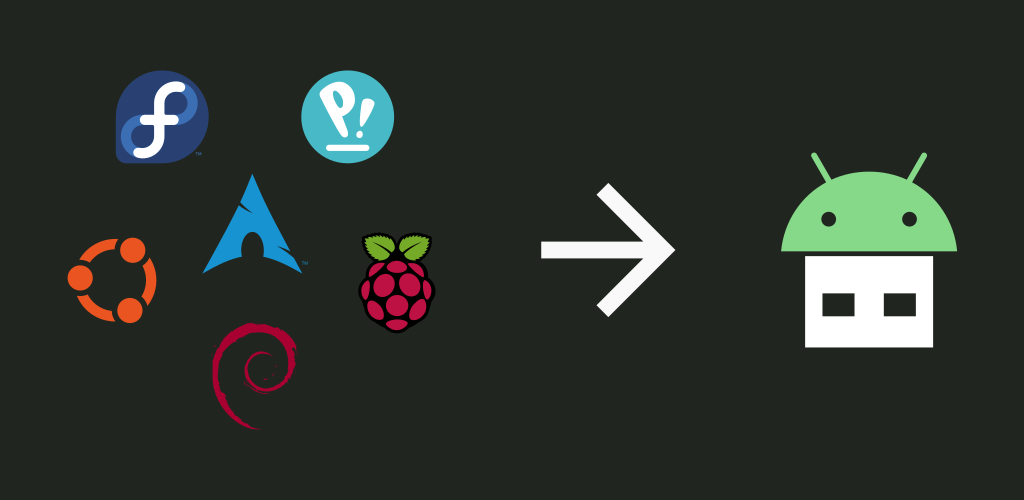


EtchDroid is an open-source application that helps you write images to USB drives.
Use it to make a bootable operating system USB drive when your laptop is dead.
Supported devices
- ✅ USB flash drives
- ✅ USB SD card adapters
- ❌ USB hard drives / SSDs
- ❌ USB docks and hubs
- ❌ Internal SD card slot
- ❌ Optical or floppy disk drives
- ❌ Thunderbolt-only devices
Supported disk image types
- ✅ Modern GNU/Linux operating system images, including Arch Linux, Ubuntu, Debian, Fedora, pop!_OS, Linux Mint, FreeBSD, BlissOS and many more
- ✅ Raspberry PI SD card images (but you must unzip them first!)
- ❌ Official Microsoft Windows ISOs from microsoft.com
- ⚠️ Community-built Windows images, made for EtchDroid (be careful: they may contain viruses!)
- ❌ Apple DMG disk images
- ❌ Older GNU/Linux OS images < 2010 such as Damn Small Linux
Support the project
If you want to say thanks, you can send a donation.
- Patreon: https://www.patreon.com/depau
- GitHub Sponsors: https://github.com/sponsors/depau
- One-time options on the website: https://etchdroid.app/donate/
Help out translating EtchDroid
Telemetry
Note
F-Droid builds do not include telemetry. Google Play and GitHub builds do.
EtchDroid Google Play and GitHub builds collect minimal telemetry to investigate app issues.
While we don't collect any personally-identifying information, we believe in transparency and want you to know that opened image file names and USB device IDs are collected anonymously to help diagnose issues with specific hardware. Unless your image file names or device IDs are highly sensitive, it's safe to share this data.
If you don't want to share this data, you can disable telemetry in the app menu, or download the F-Droid version of EtchDroid.
Be a part of our open-source community—keep telemetry enabled and help improve EtchDroid for everyone!
See the privacy policy for more information.
Screenshots


